- In your favorite web browser, go to https://dmschedules.com
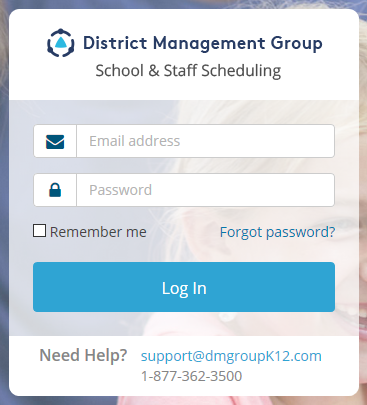
- If this is your first time logging in to DMSchedules, use your district email address and the temporary password that was sent to you via email. (You should have received an email from District Management Group (DMGroup) with this information. Please make sure to check your junk folder if you didn’t receive this email. Contact DMGroup if you are not able to find this email: support@dmgroupK12.com.
- Once logged in, you will be required to create a new password. When prompted, enter your new password and click the "Submit" button. After hitting submit, you will be logged into your account.

Keep your password in a safe place and do not share it with anyone, and remember to log out of your session when you are finished.
0 Comments